It’s an easy way to add the power of Mira Connect AV control to new applications
If you’ve been searching for an easy-to-set-up and affordable solution to controlling various audiovisual equipment, you’ve probably noticed that most control solutions are neither easy to set up nor budget-friendly. You’ll either be locked into one manufacturer’s line of products or you’ll need the expertise of a custom programmer. As designers of the award-winning Mira Connect™ touch panel AV control systems, Aveo Systems has been dedicated to making AV control easier to set up and intuitive to use. We are pleased to announce the release of the Mira Connect AV control software application for Microsoft® Windows 10-or-newer computers, making it even easier to use Mira Connect in more applications.
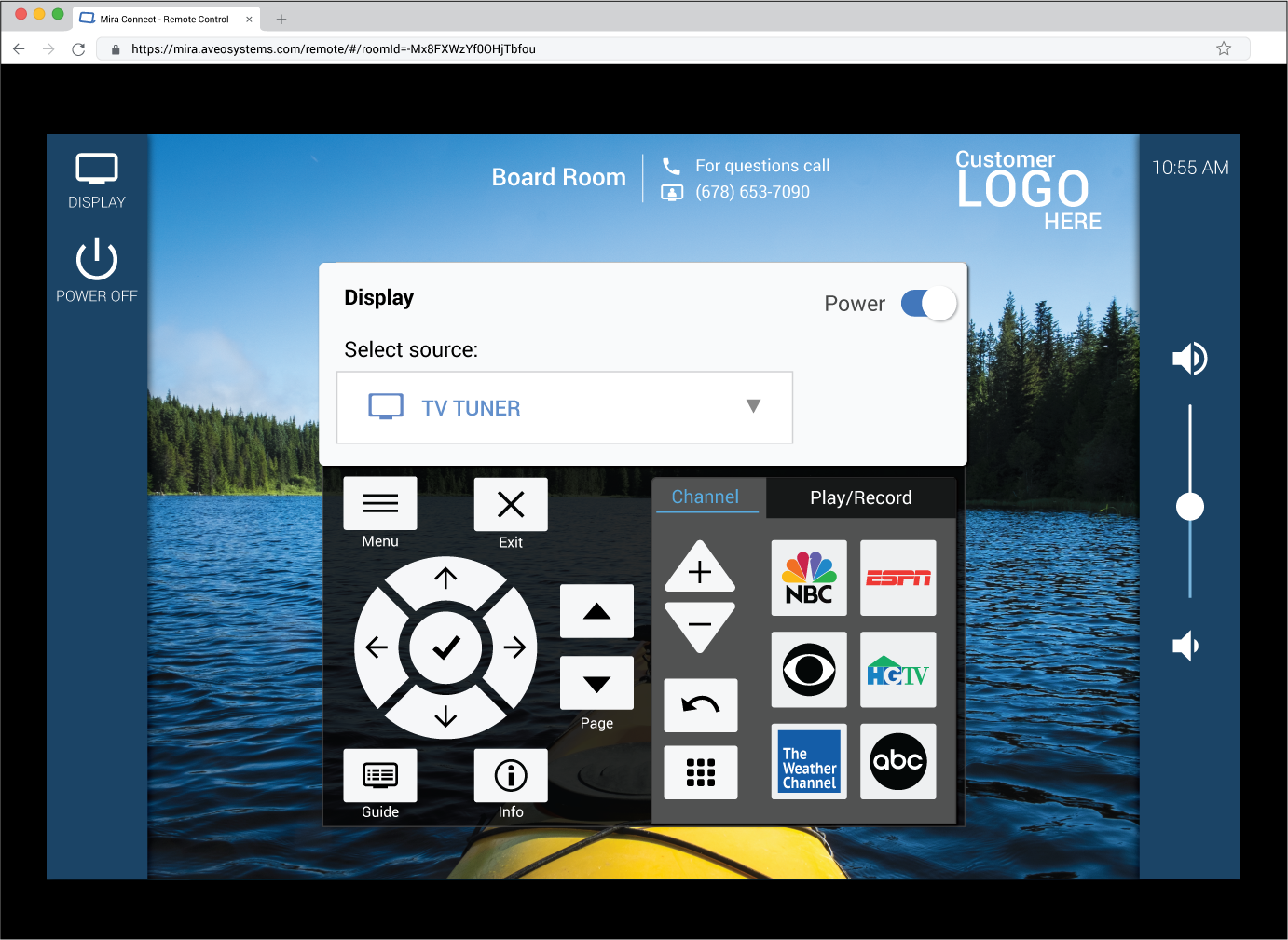
With its versatility and cost-effectiveness, the software version of Mira Connect retains all the easy-to-configure control features of Mira Connect touch panels while running on a user’s Windows computer. The control interface is accessed in a browser instead of needing a dedicated touch panel.
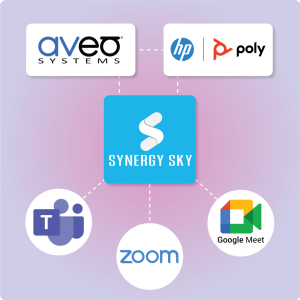
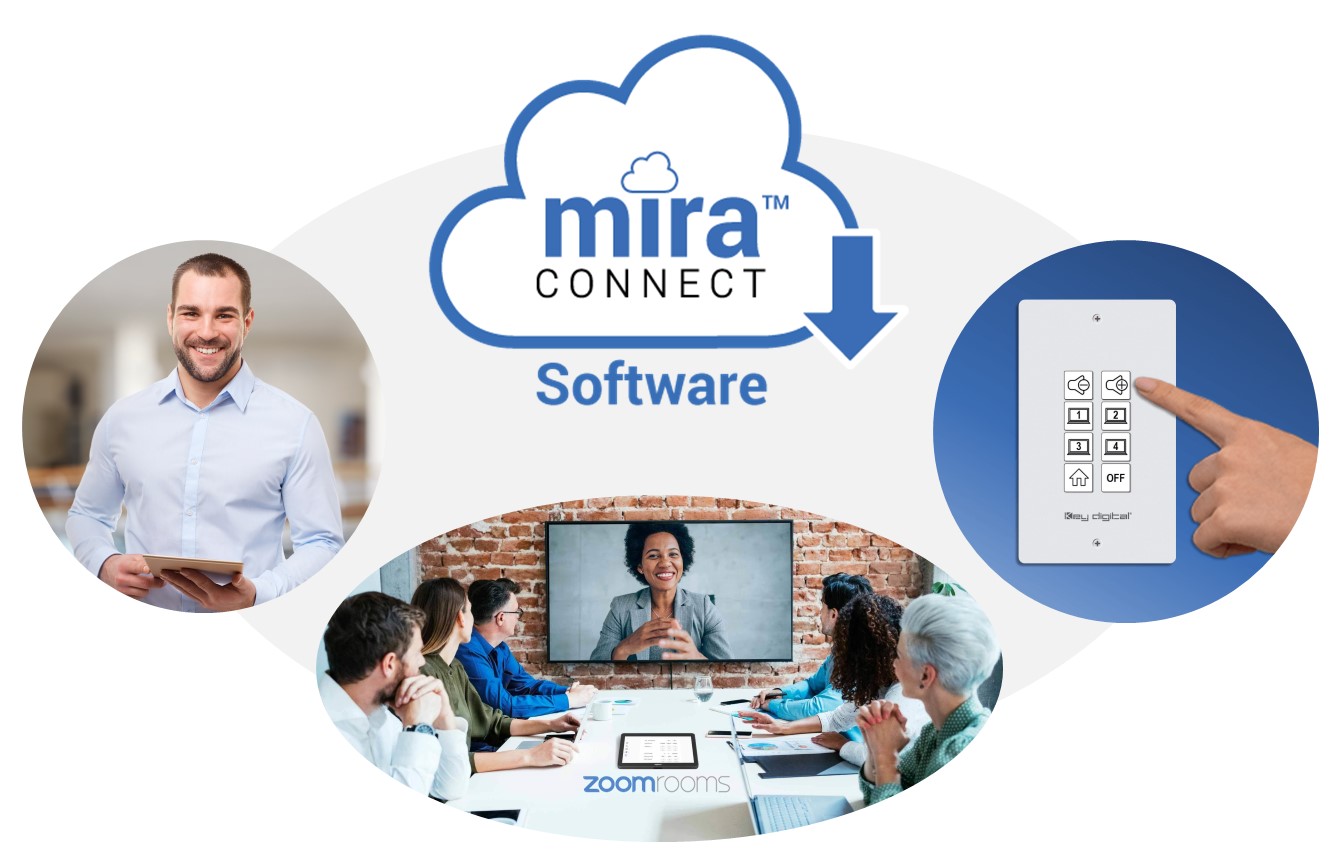
Mira Connect Software also features an application programming interface (API), allowing Mira Connect AV control to be embedded into other third-party interfaces and applications. So, in addition to accessing the user interface from a browser, now you can easily add Mira Connect’s sophisticated controls to existing control panels — including any Zoom Rooms controller — or to other interfaces, such as low-cost, push-button keypads.
Mira Connect Software now makes it even easier to deliver professionally-designed AV control systems for budget-conscious applications — including restaurants, bars, retail, houses of worship, small businesses, K-12 schools and higher education institutions.
All the Same Great Features as Mira Connect Touchscreen Appliances
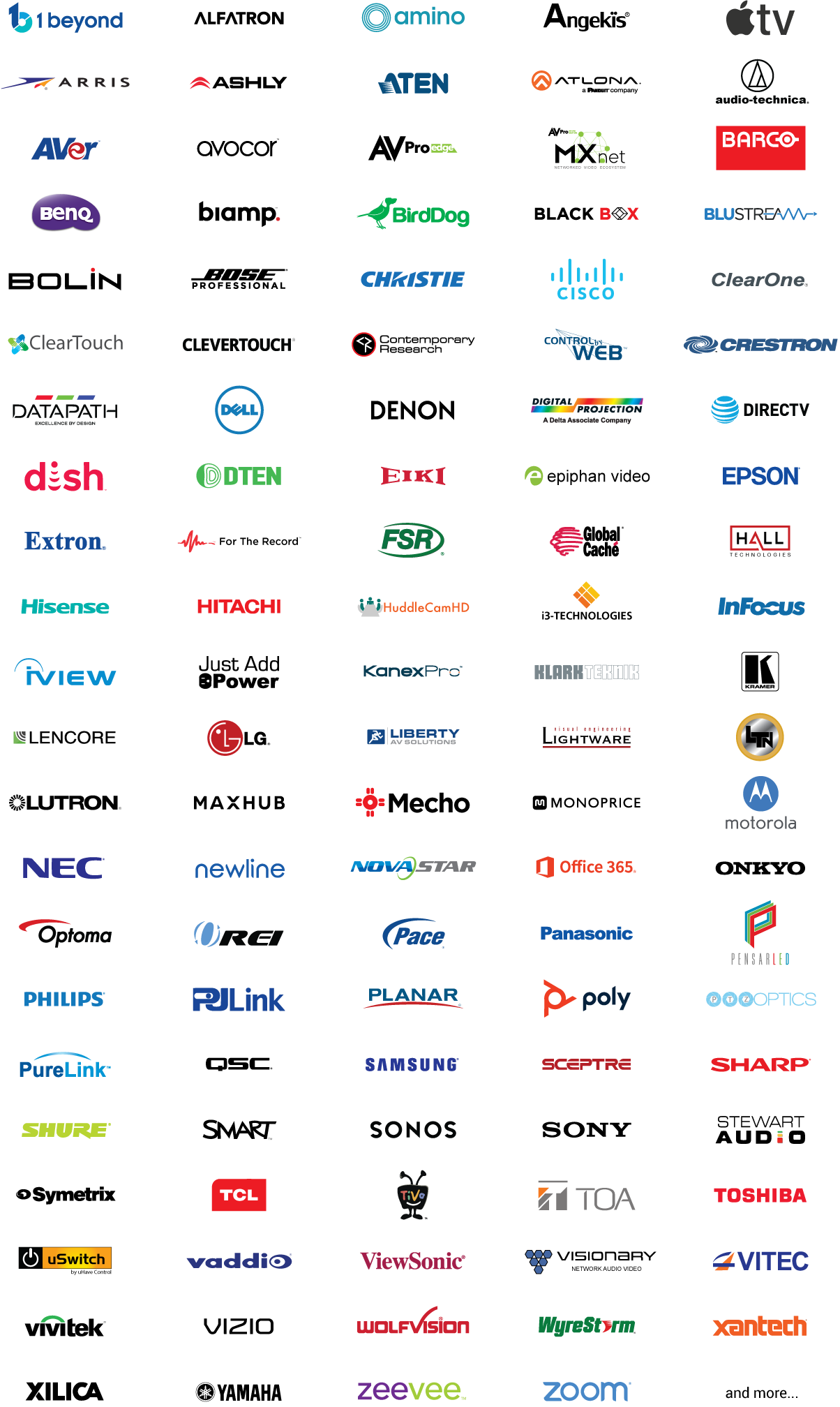
Mira Connect software provides the same easy-to-configure features and intuitive user interface for controlling AV equipment from many third-party manufacturers as Aveo Systems’ Mira Connect touchscreen appliances. Control an ever-growing set of displays, cable/satellite/TV tuners, video switchers, video conferencing systems, projectors, cameras, DSP audio devices, and other AV equipment from a wide-variety of manufacturers.
No Programming Required To Set up Your Control System
As with our Mira Connect appliances, no programming is required to set up a Mira Connect software AV control system, since we’ve already done the programming for you.
Simply add a room in Mira Portal and select the equipment to be controlled from pull-down menus. Then add the equipment’s control points and enter custom labels as needed. The user interface is automatically generated based on the equipment to be controlled and the defined control points. Users can access Mira Connect’s other valuable features, including:
- Remote Control for administrators, technical users, and help desk support personnel to provide AV control support from anywhere;
-
Mira Connect Me for AV control on a user’s personal device;
-
Built-in automations for powering on displays and other equipment; powering off the room at will or on a schedule.
And more!
Controlling your room with the Mira Connect Room Control API
With Mira Connect’s room control application programming interface (API), Mira Connect’s AV room control features can be embedded into existing installations, such as Zoom Rooms videoconferencing systems, without adding another touchscreen.
For example, Mira Connect software users can automatically extend Zoom Room controllers with native room controls to control all the equipment in their room directly from their Zoom Rooms controller touch panel.
Before Mira Connect software was available, you had to be proficient in JSON programming and understand exactly how every device in the room wants to be controlled to add Zoom Rooms native room controls. Now, with Mira Connect software, Mira Portal will auto-generate the JSON code for you for easy import into the Zoom web portal.


Mira Connect software is a game-changer, enabling all AV systems to have an easy-to-use control system that doesn’t require any programming to set up.
How Else Can You Use Mira Connect AV Control Software?
Mira Connect software’s design makes it easy to embed its AV control capabilities into other manufacturers’ devices and user interfaces. For example, you can integrate Mira Connect software in the following ways by leveraging the Mira Connect Room Control Application Programming Interface (API):
- Use lower-cost network-based physical button panels as the user interface in a room without requiring a touchscreen. Button presses can be mapped to send Mira Connect room control API command to Mira Connect software.

- Integrate with other applications (or with a previously-installed control system) to add additional functionality and get more life out of the existing system.
Mira Connect’s room control API allows any system to send simple room-level commands to Mira Connect software which then controls the underlying equipment in the room. And you always have access to Mira Connect’s user interface to control the room and provide remote access to AV/IT support teams by using Mira Connect’s Remote Control feature for managing all your rooms.

Mira Connect Room Licenses
Mira Connect software can be downloaded for free, installed on a Windows computer, and used with simulated AV equipment. A Mira Connect Room License is required for Mira Connect software to control real equipment for an AV installation.
Available from Mira Portal, a Room License can either be purchased as a low-cost monthly or yearly subscription or as a one-time prepaid license for one or more years.
These two billing types are designed to accommodate different preferences customers may have for their AV systems:
- Purchasing a monthly or yearly subscription lowers the initial up-front cost and makes it easy to renew licenses for one or more rooms in a single transaction at the end of the subscription period since the subscriptions are all time-aligned and will be renewed automatically while the subscription is active.
-
Purchasing a prepaid license is a one-time upfront fixed purchase for one or more rooms with one or more service years for each room. The prepaid license remains active during the selected number of years and you will only be billed once at the time of purchase. Prepaid licenses may be extended at any time, if desired, but they do not renew automatically.
Mira Connect Software Benefits to AV/IT Teams
Mira Connect software offers many benefits to AV/IT teams responsible for installing, managing, or supporting AV control systems:
- Cost-effective — Mira Connect software is a no-cost download that can be run on a low-cost Windows-based computer. In collaboration applications, you can run the Mira Connect software on the same computer as software-based video codecs, such as Zoom Rooms and Microsoft Teams Rooms.
-
Easy to try Mira Connect before you’ve purchased ANY equipment — Use our free UI-Preview feature to perform no-cost evaluations using our built-in equipment emulators. Configure a system with simulated controlled equipment and see and experience the user interface.
-
Configure the system from anywhere — Mira Portal management platform enables the control system to be easily configured from anywhere, saving time and reducing travel during configuration, set up, and post sales support.
-
Easy set up with no programming — means more people can install and configure the control system… and make updates later, when needed.
-
Remote management — makes it easy to control the equipment locally and remotely. Ideal for remote AV/IT teams supporting users. Get immediate notifications when controlled equipment goes offline.
-
No inventory issues or shipping delays as the Mira Connect software is always immediately available.
-
Reduces E-waste and energy use as you may already have a computer as part of the room’s design or built-into smart displays.

Summary
Mira Connect software allows you to create cost-effective, professional AV control systems for a broad range of applications. You can use the software for no cost for prototyping your systems. A low-cost Mira Connect Room License is available for purchase through Mira Portal for controlling real equipment.
With no programming required to configure a Mira Connect system, everyone can create a professional user experience, providing intuitive control of AV systems for users.
Mira Connect makes it easy to build systems, improving how end users work with their integration partners, and creating better outcomes than traditional, costly control systems. With Mira Connect, it’s just as easy to make changes to the system after it has been installed.
Mira Connect software can even be integrated and controlled by existing control system from other manufacturers using Mira Connect’s room control API.
To get started, download Mira Connect software or view the datasheet today. Contact us directly if you’d like to discuss your application and see how Mira Connect software or appliances can help you.