
Mira Connect AV Control Systems

YOU'RE IN CONTROL

with Mira Connect™

Aveo Systems’ Mira Connect is an award-winning AV control solution that

  • provides an intuitive, well-designed user interface that helps you be productive immediately;
  • is easy to set up and make changes, reducing installation efforts;
  • and controls thousands of products — so you can use your preferred equipment.
Woman in meeting using Mira Connect AV control from a tablet

Use our all-in-one touch panels OR download the software version of Mira Connect.

Tabletop Mira Connect 10 AV control system and user interface

It’s easy to control the room from a personal device too!

Mira Connect AV control for your rooms

DITCH THE REMOTES

Mira Connect unifies control so you can easily:

Power on/off equipment Control video sources Start content sharing Adjust audio levels Control microphone mutes Select camera presets Dial audio and video calls One touch dial from calendar invitations Adjust room lighting/blinds/shades Select TV channel favorites Start and stop recorders

Illustration of man using Mira Connect 10 AV control system

AN INTUITIVE USER EXPERIENCE IS ESSENTIAL

Makes your rooms easy to use

When using AV equipment, people need an interface that is easy to use so they can focus on other things.

Here’s how Mira Connect delivers:

We created Mira Connect through iterative design and testing cycles, adhering to the core principles of “know the user” and “know the task.” We continue to consult both end users and AV integrators to understand what’s important to them.

Only the menu items and buttons needed for the configured features appear on the touchscreen — reducing the visual clutter and enhancing the experience. 

Mira Connect presents a familiar layout based on the configuration, independent of the underlying equipment.

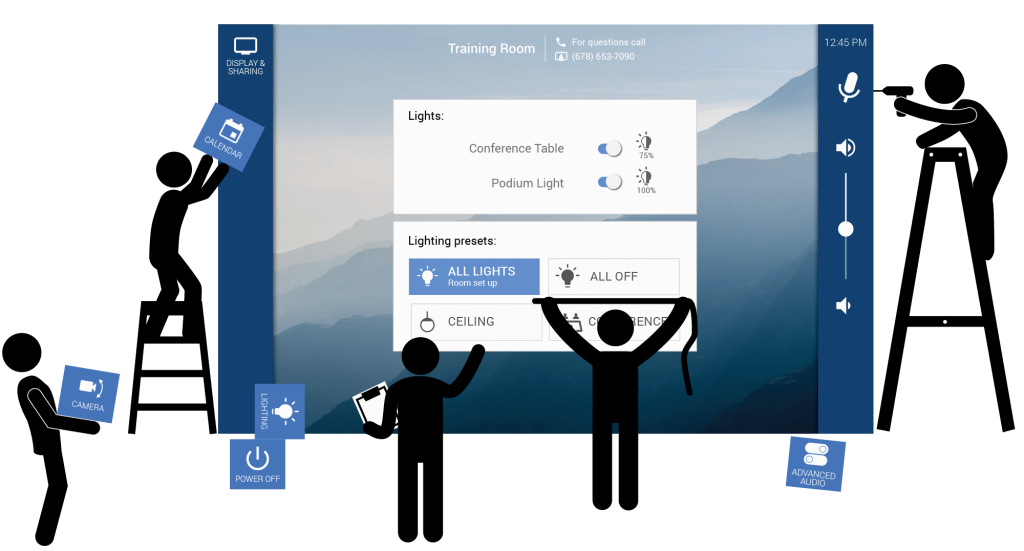
Creating a Mira Connect AV control user interface

Watch this short video to see how easy it is to access the interface from a personal device.

MIRA CONNECT ME

Lets you control the room from a personal device

Enjoy the flexibility of moving around the room with the controls at your fingertips…

or use it for a second person in the room to help with the controls.

Aveo Systems’ patented Mira Connect Me™ advanced feature lets you also access the user interface from a laptop, tablet, or mobile phone. 

Just point your camera at the QR code. There’s no application to download.  

REMOTE MANAGEMENT CAPABILITIES

Gives your AV/IT teams the tools they want

Using Mira Portal™, Mira Connect’s management platform, AV/IT teams can oversee their Mira Connect systems from anywhere.

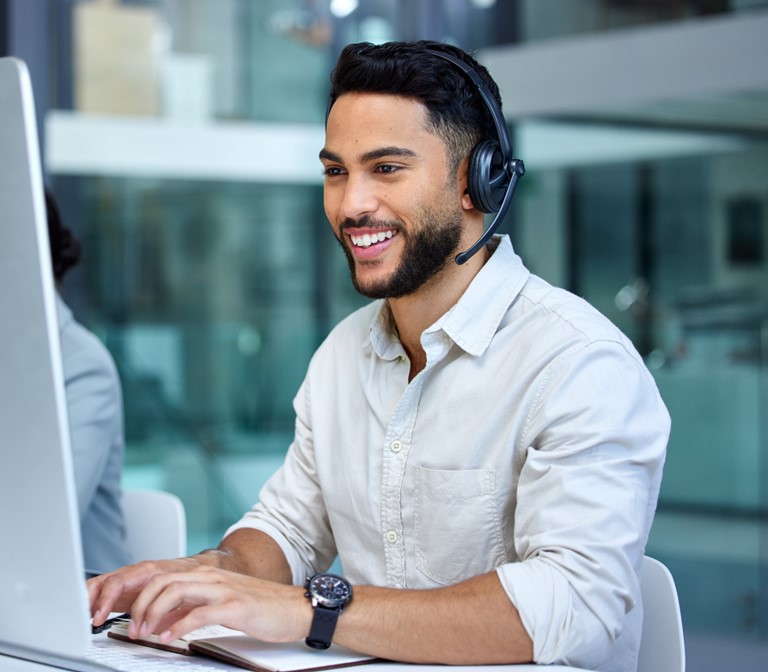
REMOTE CONTROL — your Help Desk personnel can access the room’s user interface from any browser!

EQUIPMENT STATUS NOTIFICATIONS — Know immediately when equipment goes offline — well before the big meeting starts or class begins or the restaurant opens.

man with headset working at help desk
Set up a Mira Connect AV control system with just a few clicks

EASY TO SET UP

Just a few clicks to customize

AV/IT teams can customize Mira Connect AV control systems quickly through their Mira Portal dashboard.

With just a few clicks, select equipment to control, enable inputs and outputs, customize labels, add the room’s calendar, add a contact directory, set up password protection, and enable many other useful features!

Need to make changes in the future? It’s easy to update your control system through Mira Portal.

Controls thousands of AV products from leading manufacturers

With an ever-expanding list of products from major manufacturers, you can confidently choose Mira Connect to control:

  • AV Receivers
  • Cameras
  • Displays
  • DSP Audio Devices
  • Lighting Systems
  • Media Playback / Recorders
  • Motorized Shades / Blinds
  • Projectors and Projector Screens
  • Satellite / Cable / TV Tuners
  • Video Conferencing Systems
  • Video Switchers
  • Video Wall Processors

and more!

BUILT-IN AUTOMATIONS

Configure Mira Connect to do more
so you can focus on other things

Mira Connect automatically synchronizes the mute state across ALL devices in a room.
Automatically lower and raise a projector screen when you power-on or power-off a projector.
Have displays power-on when either starting video calls or selecting video sources.
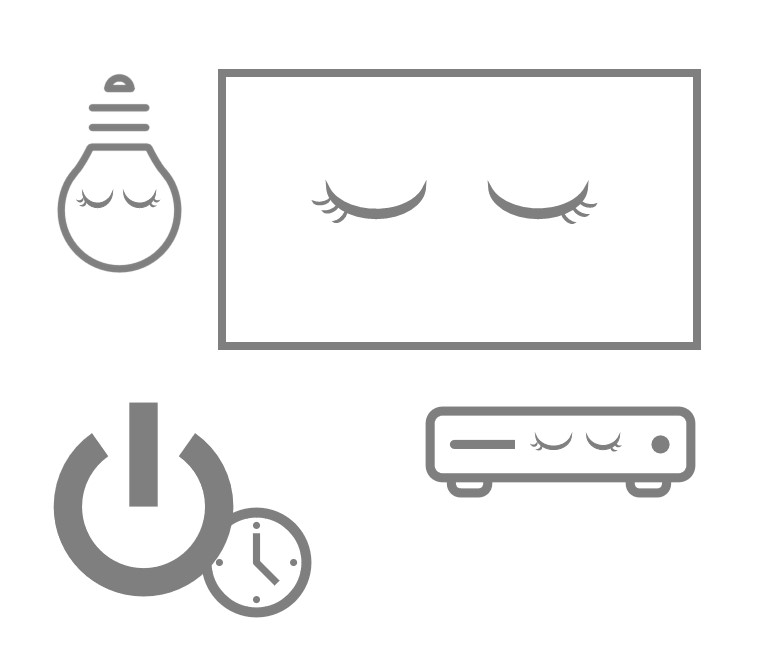
Schedule a daily power-off of the equipment in the room at the end of the day to conserve energy and prolong the life of your equipment.
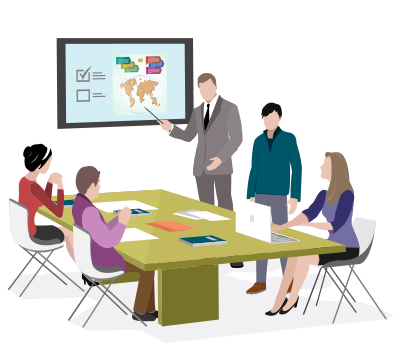
What's it like using Mira Connect?

If [an AV system] is not easy, our staff won't use it...It's better to give them a product that they can engage with and be able to achieve their meetings without outside help... Mira Connect requires a lot less training to get people up to speed.

ymca_logo_hq

MULTIPLE WAYS TO GET MIRA CONNECT AV CONTROL

Use a Mira Connect touch panel or use the software version of Mira Connect

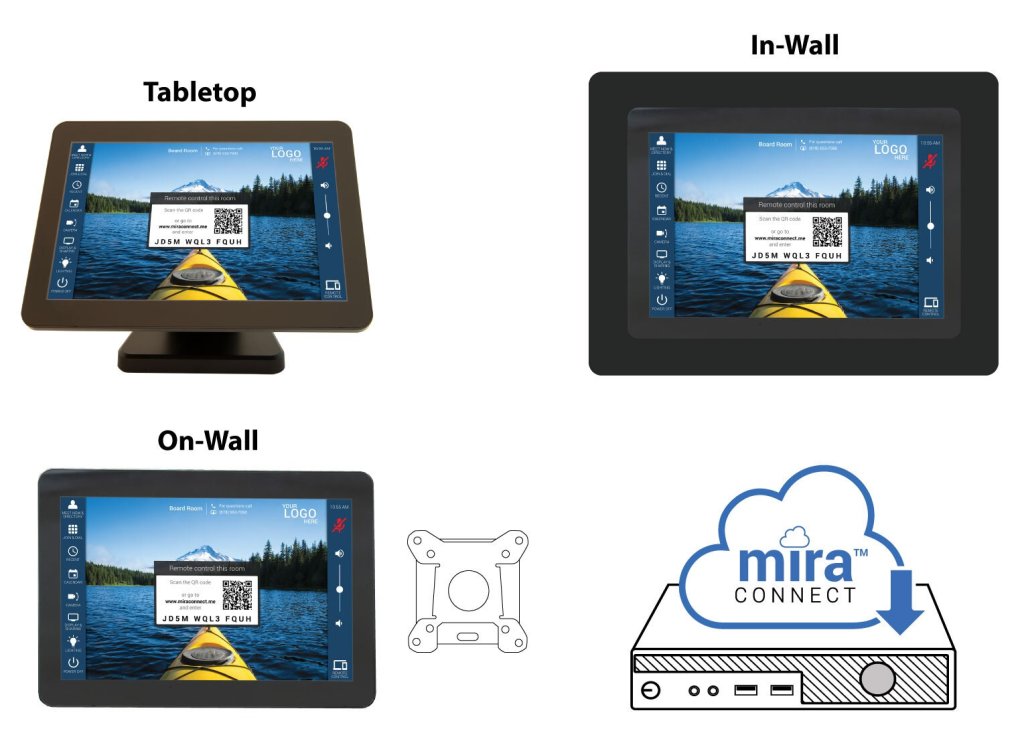
All-in-one Mira Connect 10 (10-inch) touchscreen appliances come with the brains and the user interface all in one device.

Tabletop, in-wall (backbox purchased separately), and on-wall (with any third-party 75mm VESA mount) options are available.

All appliances include a 12-month Room License to allow users to try out the Advanced features.

Mira Connect software provides all Mira Connect control capabilities while also letting you integrate its control functionality into other control devices, including ones that you may already own.

The software runs on a Windows 10-or-newer PC in the room, and the user interface is accessible from any browser when you use Mira Portal’s Remote Control feature.

Mira Connect software is free to download and control simulated equipment, so you can preview your user interface prior to purchasing anything.  A low-cost Room License is required to control actual equipment.

Mira Connect 10 touch panels for tabletop, for in-wall-mounting, for on-wall-mounting, and software version

Discover what you can do with Mira Connect Software!

Mira Connect Software offers an innovative and affordable way to use Mira Connect AV control in even more applications.

Add Mira Connect AV control to any Zoom Rooms controller

Use the software version of Mira Connect to add Room Controls to any Zoom Rooms controller.

Mira Connect generates the JSON config file for you!

Use your touch panel or computer as the primary interface

Download the software version of Mira Connect on a Windows-based computer and access the user interface from a browser on your tablet or computer.

Set up an Elgato Stream Deck controller as a user interface

Use Mira Connect Software, our Stream Deck plugin, and any Stream Deck controller to create an intuitive interface for controlling your AV system.

Add one or more low-cost keypads to offer simple room controls

Keypad button presses can be set up to use Mira Connect software's API to adjust volume, select sources, power on and off the system, and many other functions.

How Mira Connect works

Mira Connect controls the AV equipment in a room over a network.

Easily configure and manage your Mira Connect AV control systems through Mira Portal™, our secure, cloud-based management platform.

Mira Connect touch panels communicate with Mira Portal for its initial configuration and then can operate with or without access to Mira Portal.

A connection to Mira Portal is required for secure remote management, firmware updates, and remote control capabilities (including Mira Connect Me control on a personal device).

Mira Connect controls AV equipment over a network

Want to talk to one of our specialists?

That’s the best way to see how Mira Connect can work for you.

Contact us, and we’ll reach back out to you promptly to discuss your AV control needs.

How to purchase Mira Connect

Within the U.S. and Canada, we sell through our authorized AV partners.

Beyond the U.S. and Canada, see our international distributors.

Are you an AV integrator?

Learn how Mira Connect helps integrators.