Poly’s world-class video conferencing and collaboration solutions can now be easily integrated with Aveo Systems’ award-winning Mira Connect AV control system, allowing users to access the room’s AV controls directly from Poly TC10 or TC8 touch controllers.
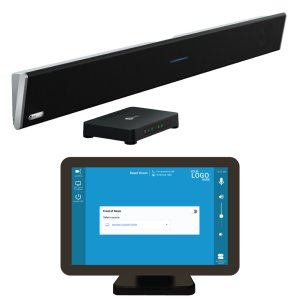
With Poly’s video conferencing firmware release 4.4, users are able to simply swipe from the right of the TC10 or TC8 touchscreen that is paired with a Poly video conferencing system and select AV Control to bring up Mira Connect’s AV control user interface directly on the same touch panel.
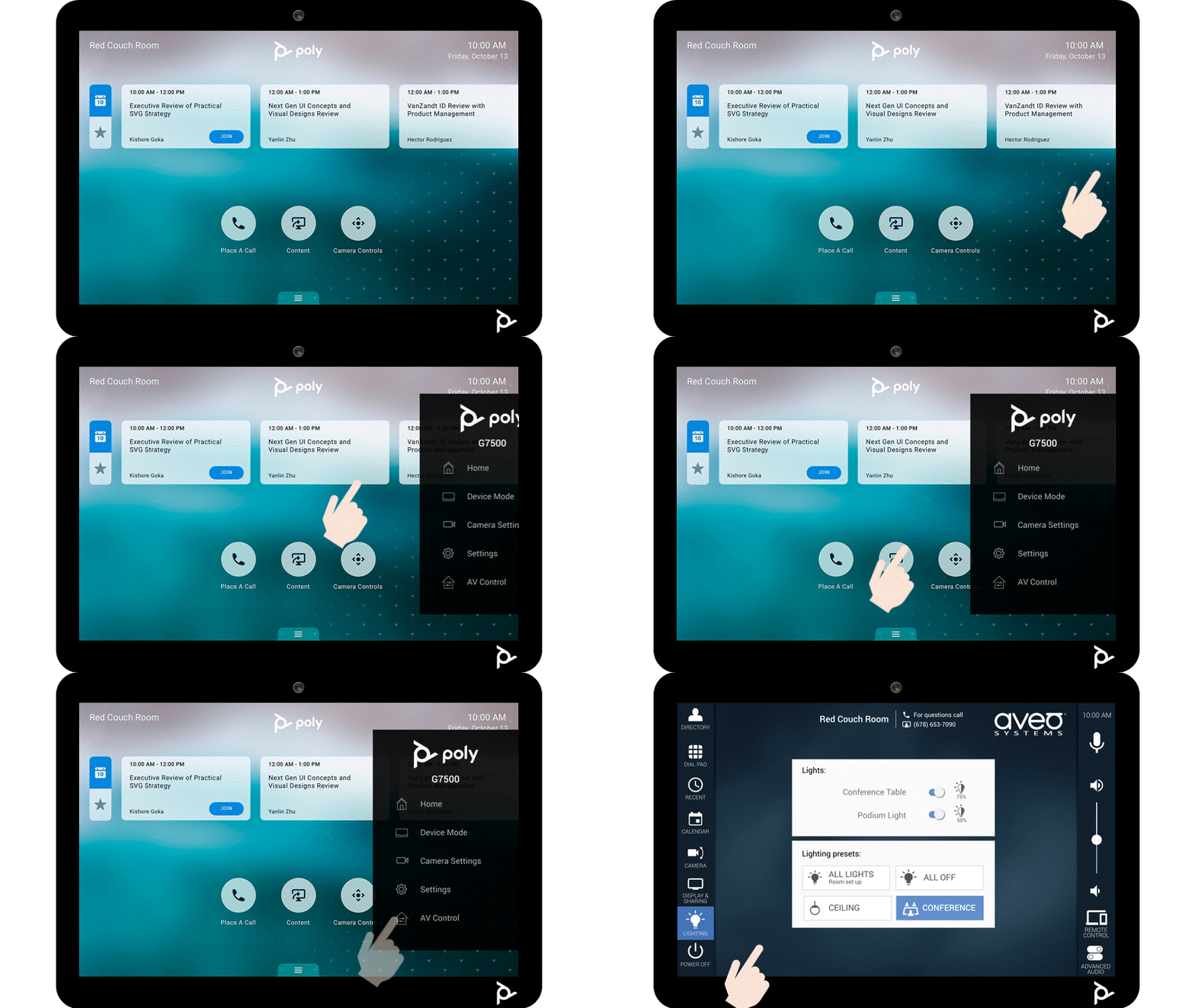
With access to Mira Connect’s user interface, users can intuitively control their displays, video switchers, cameras, TV tuners, DSP audio systems, lighting, shades, and they can switch back to the Poly video conferencing controls at any time. Users benefit from only needing one touchscreen to control both their videoconferencing system and the AV equipment in the room.
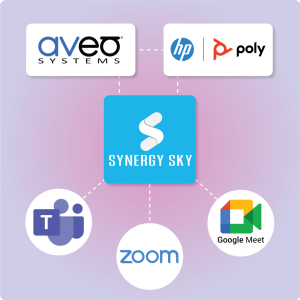
Poly video conferencing solutions natively support operating in Microsoft Teams, Zoom, Google Meet, Poly SIP mode, and other provider modes. In each provider mode, the Poly touchscreen’s user interface provides a native user experience. And regardless of the provider mode, the room’s Mira Connect AV controls are accessible. The following figure shows the AV Controls when the Poly device is in Zoom mode.

Benefits to AV/IT Teams
AV/IT Teams benefit from a control system that’s easy to set up and make changes and that offers them valuable remote management capabilities.
No programming is required to set up a Mira Connect system, as we’ve already done the programming for you. With just a few clicks of a mouse, you can select the equipment to control, enable inputs and outputs, customize labels, add the room’s calendar, add a contact directory, set up password protection, and enable many other useful features.
Based on the equipment you select and control points you add, Mira Connect generates the user interface automatically. Making updates to the system is just as easy.
Mira Connect’s remote management capabilities include remote control of the room’s equipment (great for Help Desk personnel) and receiving immediate notifications when equipment goes offline.
This same remote control of Mira Connect is what is being accessed through the Poly touch controllers.
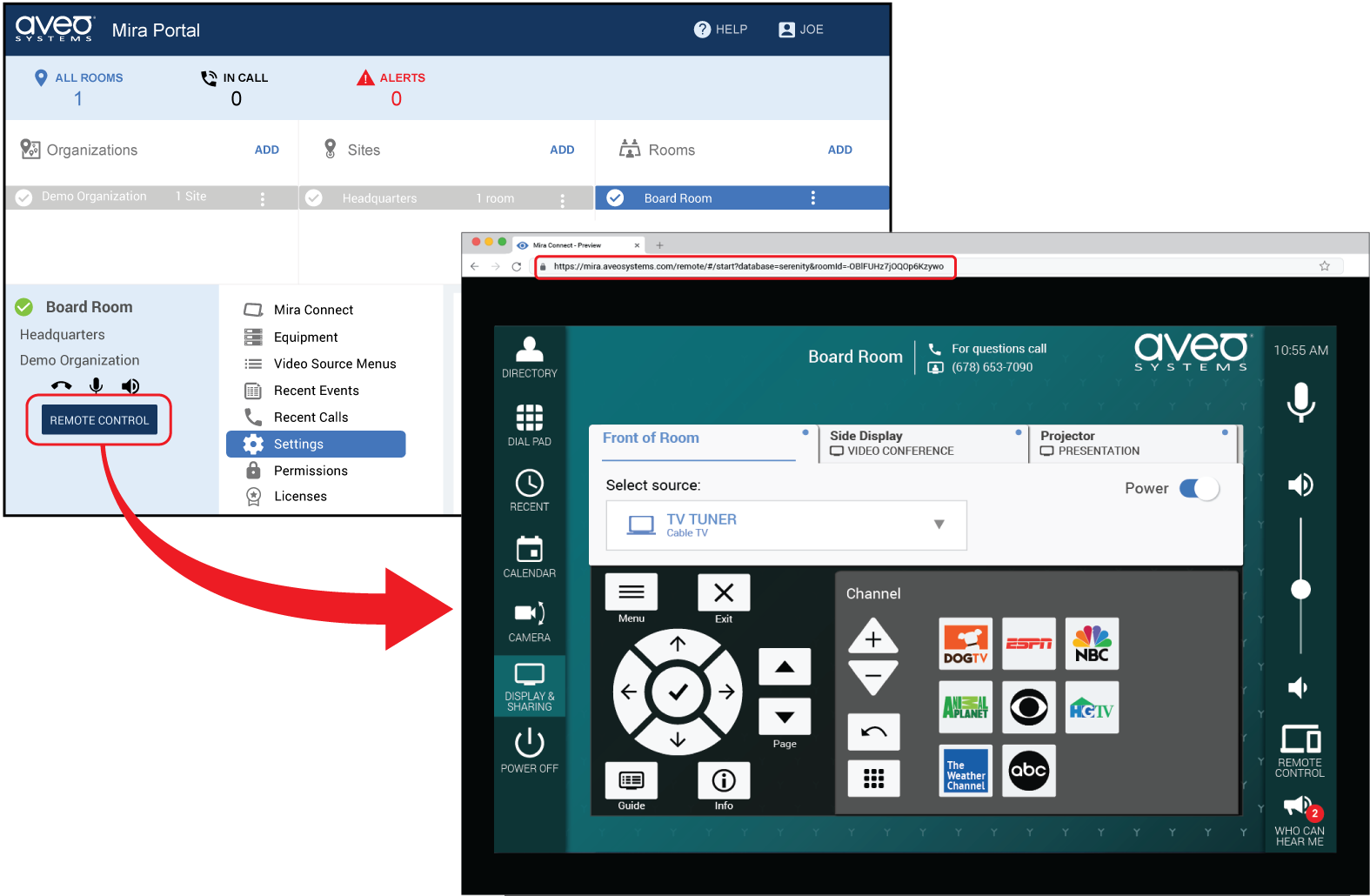
Mira Connect Appliances or Mira Connect Software can be used
Either a Mira Connect appliance or Mira Connect Software can be used as the AV control system for the room, as each supports the remote control user interface.
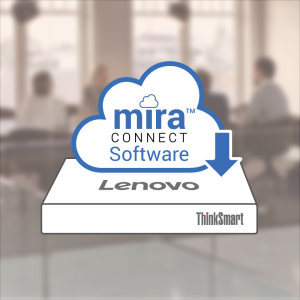
Mira Connect Software can run on a PC in the room, or it can run on a virtual PC image from a server on the network. Mira Connect Software is free to download from our website and use to prototype your system.
A low-cost Mira Connect Room License is available for purchase for controlling real equipment with Mira Connect Software or for using the remote control user interface with Mira Connect appliances.
"We recently completed an installation of Aveo Systems’ Mira Connect Software so our customer could control their video switcher, displays, and audio processing directly from their Poly video conferencing system and touch panel running in Zoom mode.
The Mira Connect Software let us create ‘meeting profiles’ for changing how the video inputs are routed to the displays in the room, solving a long-standing challenge for the client by making it easy to reconfigure their meetings on-the-fly without having to get their IT staff involved in every meeting. We’ll be introducing this functionality to more of our clients."
L. Bowers | Director of AV Services | Call One Inc. & Hello Direct Inc.
Getting Started
To get started, read our How-To document on Poly Touch Control Integration with Mira Connect.
In the How-To document, we show you how to configure a Poly video conferencing system with Mira Connect Control after the codec’s firmware has been updated to version 4.4. This update also updates the paired touchscreen to the latest touchscreen software release.
The How-To guide shows how to configure a Poly TC10 or TC8 to control the room with Mira Connect by creating an account in Mira Portal and configuring the room with the equipment you’d like to control.
See our getting started guide and training videos for how to create a Mira Portal account, pair Mira Connect Software or an appliance to the room, add equipment and control points.
You can customize the Visual Theme to customize the background image and menu colors from the Site settings. See the visual theme training video to see how to customize the visual theme.
Additional Resources
A summary of the Poly and Mira Connect integration is available as a two-page overview.
To talk to an Aveo Systems specialist about using Mira Connect with your HP/Poly video conferencing system and easily accessing the AV controls from Poly touch controllers, please contact us, and we’ll get back to you directly.