
Mira Connect and Zoom Rooms

Mira Connect software adds Room Controls to any Zoom Rooms controller

THE WHAT

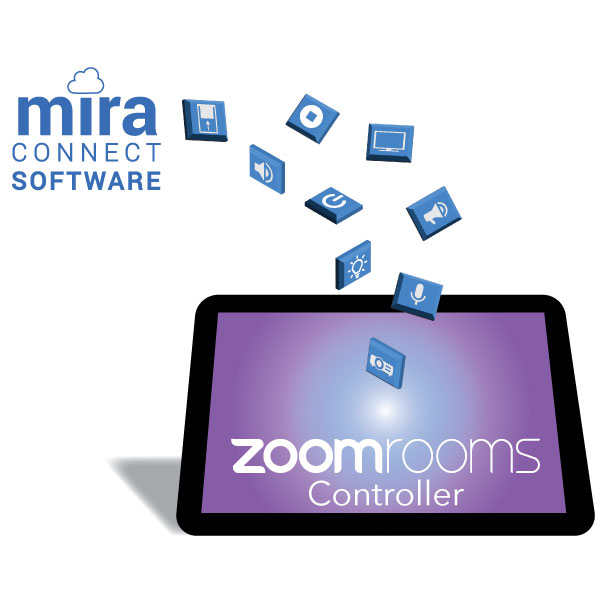
Mira Connect Software makes it easy to add Room Controls to any Zoom Rooms touch panel.

You have other equipment in the room that you want to control.  Instead of adding a second touch panel in the room, you can add room controls to your existing Zoom Rooms controller, whether it’s a panel from Poly, Logitech, Neat, or other manufacturer.  Mira Connect software makes this easy!

Mira Connect can add room controls to any Zoom Rooms controller
Apple iPad, Poly, Logitech, and Neat touch panels running the Zoom Rooms application and
using the Zoom Rooms native room control commands powered by Mira Connect software.

THE WHY

Minimal effort. Abundant AV control.

Mira Connect Software enhances Zoom Rooms Native Room Controls

Turn your Zoom Rooms controller into a powerhouse.

Adding Mira Connect software in the middle greatly expands what Zoom Rooms can do.

Control displays (even ones that require Wake-on-LAN to power on), projectors & screens, AV receivers, camera presets, video switchers, TV tuners & channel favorites, individual microphone control through a DSP audio system, lighting systems, shades & blinds, and more!
No Programming Graphic

We've done the programming for you!

You don't need to do custom programming to set up a Mira Connect control system.

And you don't need to do any JSON programming to add those controls into your Zoom Rooms controller.
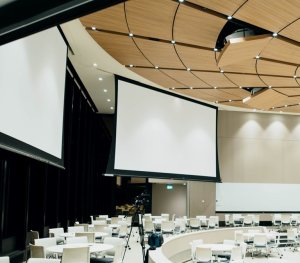
Projectors and screens used in a ballroom

Leverage Mira Connect's built-in automations.

Power on displays when a video source is selected. Seamlessly switch video sources. Lower & raise projector screens when powering on and off projectors.

Power off all the AV equipment in the room at the end of the day to conserve energy and extend the life of your equipment.

man with headset working at help desk

Give your AV/IT Team remote access.

Support personnel can use Mira Connect's remote management capabilities to check on the status of the AV equipment in the room, get notified if any equipment goes offline, and remotely control the room's AV equipment.
THE HOW

Mira Connect magic!

No, it’s not magic, but it definitely feels like it is!

Download the Mira Connect software on a Windows-based computer — even the one you’re running Zoom Rooms on.

Use Mira Connect’s management platform, Mira Portal™, to configure what you want Mira Connect to control.

Mira Portal automatically generates the native room controls JSON (JavaScript Object Notation) configuration files for Zoom Rooms for you.

Once you export and save the file in the zoom.us web portal, the Room Controls user interface is automatically created in your Zoom Rooms appliance for controlling the AV equipment in the room. Like magic!

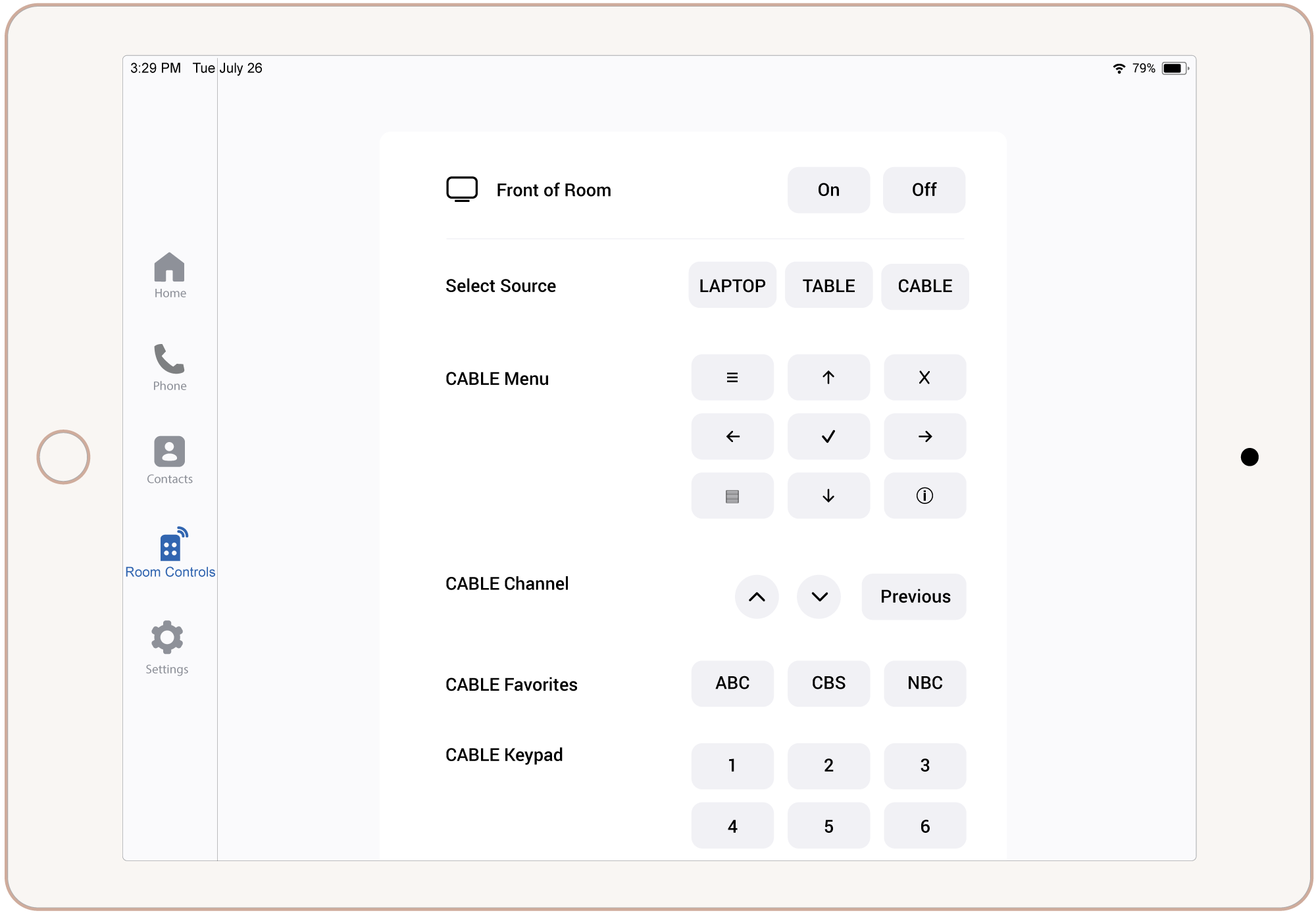
A Zoom Rooms controller showing the user interface when Mira Connect is used to generate the room controls
Example of a Zoom Rooms controller using MIra Connect software to control the rest of the AV equipment in the room.

Next Steps

Contact Aveo Systems and talk with one of our specialists to see how Mira Connect can enhance your Zoom Rooms system.