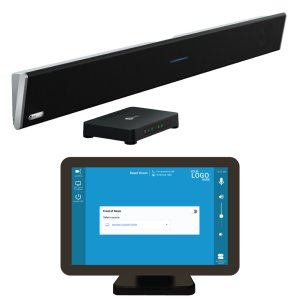
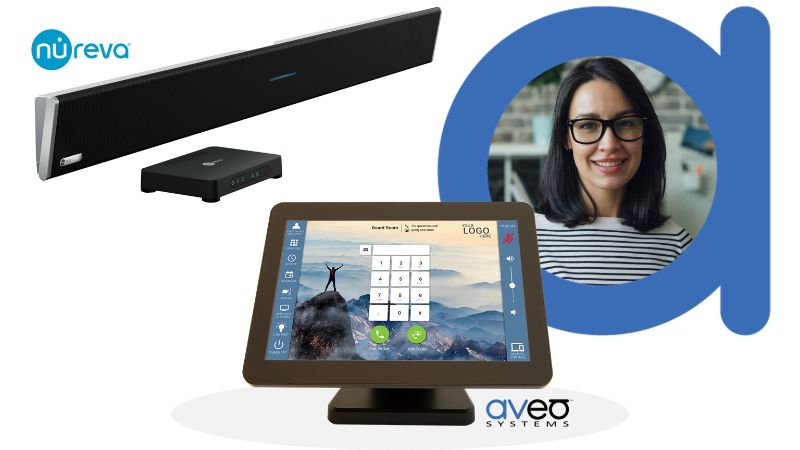
Nureva®‘s microphone and speaker bars are renowned for their exceptional microphone pickup and easy installation. Aveo Systems’ Mira Connect AV control systems now control Nureva HDL310 and HDL410 microphone and speaker bars, providing an easy-to-set-up control solution for customers using Nureva products.
Mira Connect controls the Nureva system over a local network connection, as shown in the following figure. Mira Connect sends commands to the Nureva Connect module, which is included with Nureva HDL310 and HDL410 microphone and speaker bars.

With no programming required, you can configure a Mira Connect system (all-in-one touchscreen or software-only version) in a few minutes as the user interface is created automatically.
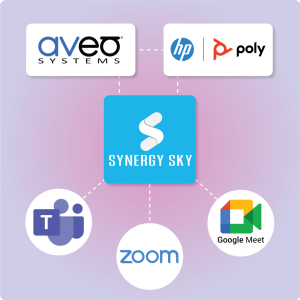
In addition to Nureva products, Mira Connect controls video conferencing systems, displays, cameras, video switchers, cable and satellite TV tuners, projectors, and more.
With advanced features, including: remote control for AV/IT Support teams, email or text message notifications when equipment goes offline, and room users being able to access the user interface from their personal devices, Aveo Systems’ control systems are a compelling solution when integrating Nureva HDL310 and HDL410 devices with additional equipment in the room.
Users Get An Intuitive Interface
Each Mira Connect system generates a user interface (UI) based on the equipment selected to control and the control points added. Selecting the Nureva products and enabling microphone mute and volume controls for the speaker adds those controls automatically to the Mira Connect user interface, as shown in the following figure.
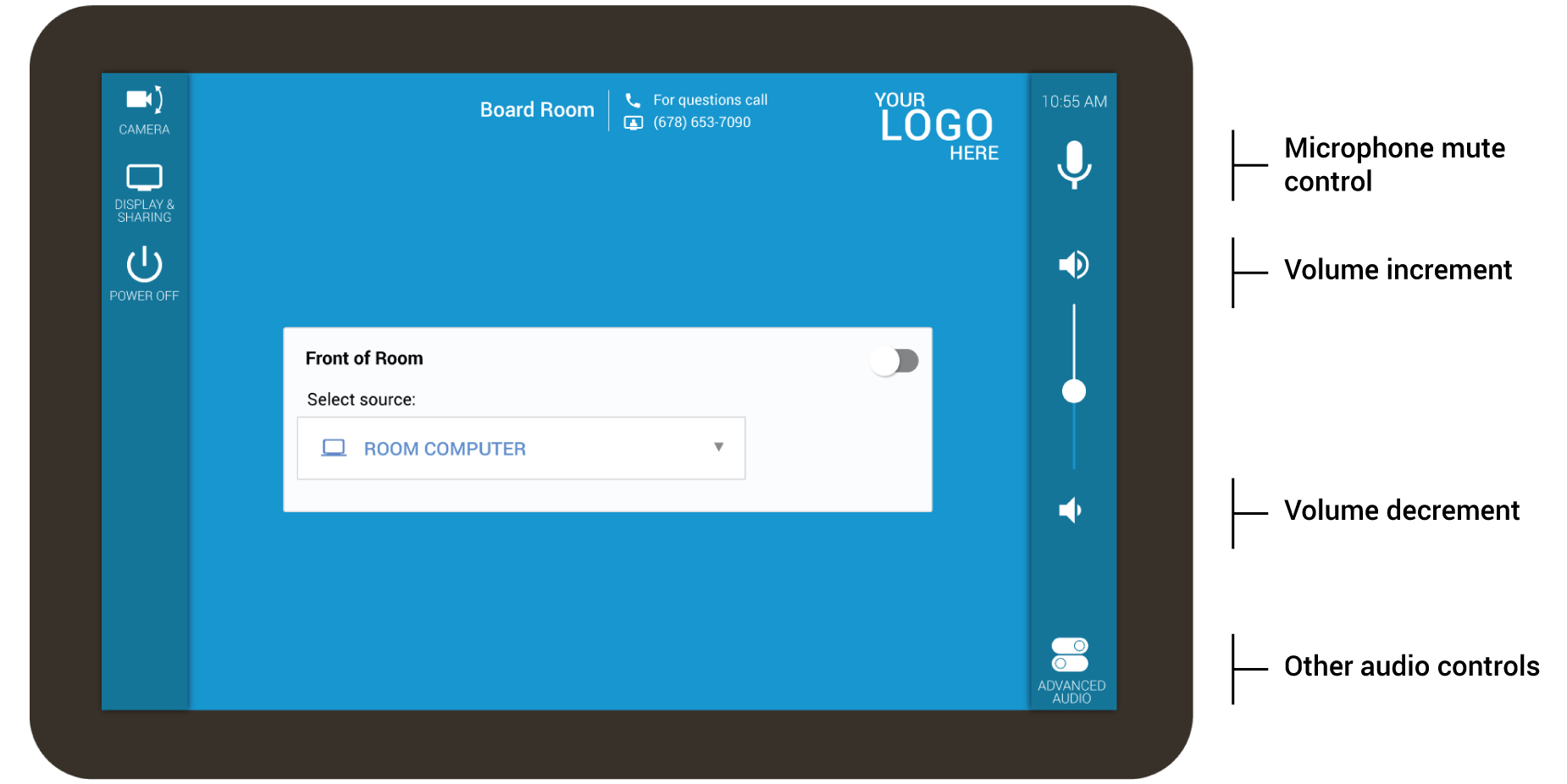
Additional controls are added to the user interface as you add more equipment to be controlled by Mira Connect.
And you can customize the UI with the customer’s logo, a preferred background image, and side bar colors.
Adding the Nureva Microphone and Speaker Bar
All Mira Connect systems are configured through Mira Portal, Aveo Systems’ cloud-based management platform. To add Nureva microphone and speaker bars to Mira Connect control, select the Nureva HDL310 / HDL410 system from the equipment list in Mira Portal.
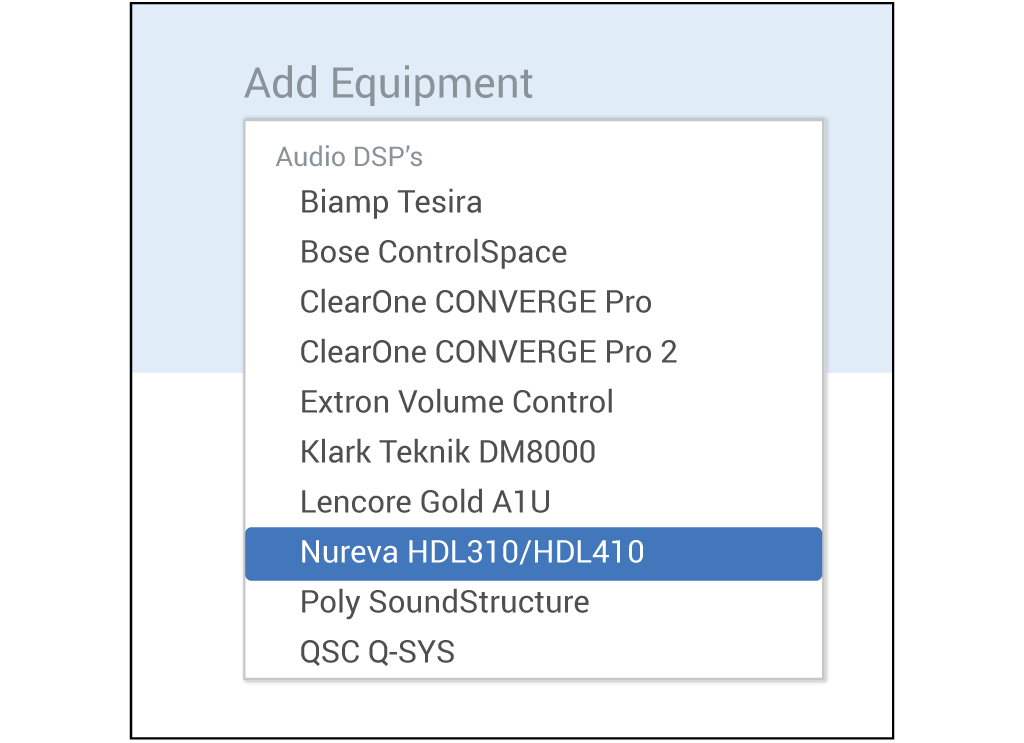
Enter the IP address of the system, the username ‘admin,’ and the password credentials found on the Nureva console label.

Finally, select what features you’d like to control on the Nureva microphone and speaker bar, including mute and volume controls for the main microphone or voice amplification mute and level controls.
Note that Mira Connect also includes a built-in emulator for all products, including the Nureva products, allowing users to build an interactive control system before purchasing any products. To use the emulator, click the ‘Simulate equipment’ option.
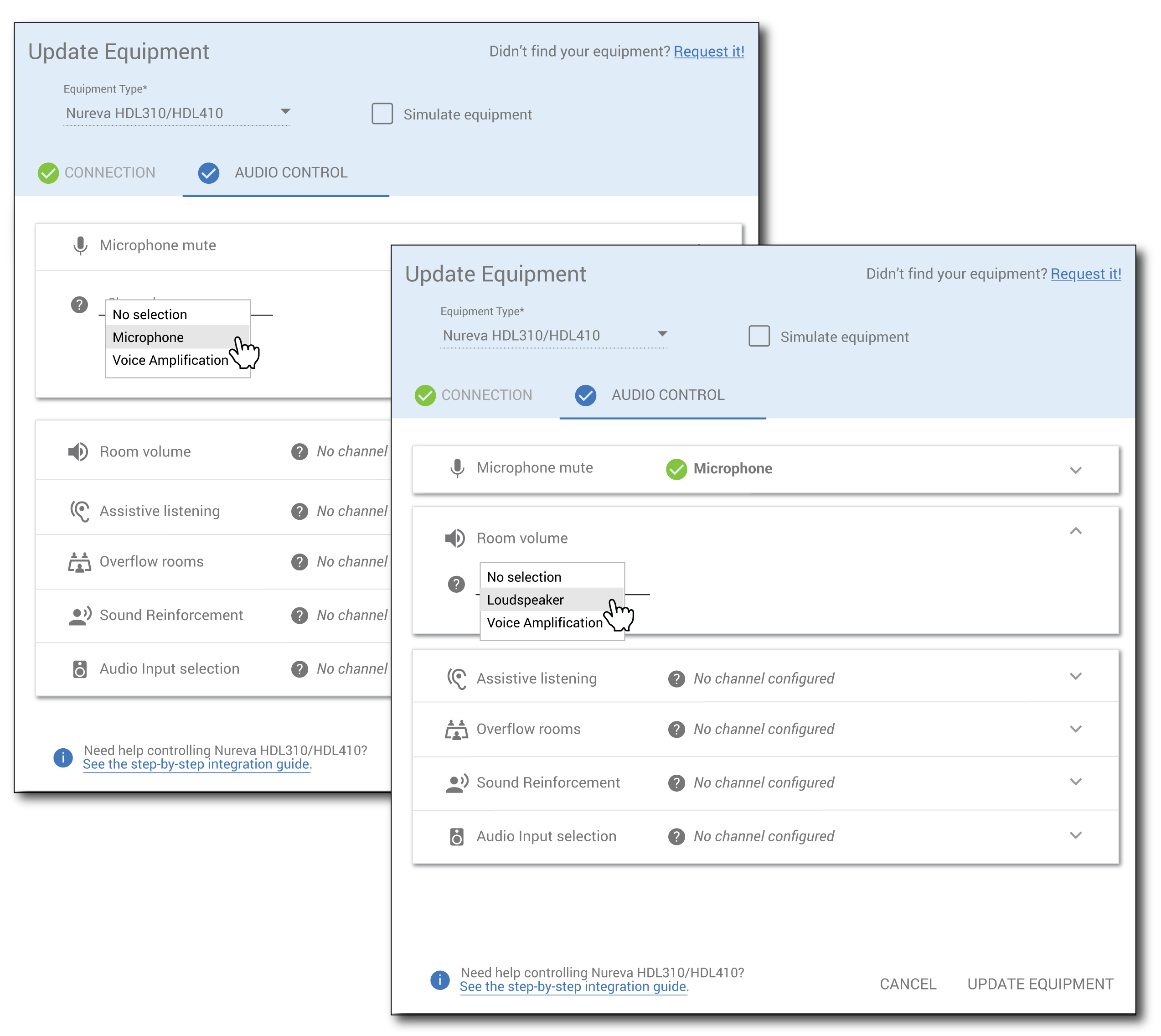
To modify the Mira Connect user interface, edit the device in Mira Portal and change which control points are being used for Microphone mute, Room volume, or Sound Reinforcement and Overflow rooms.
For more information about how to integrate Nureva products and Mira Connect, see Aveo Systems’ Nureva Integration Guide.
Mira Connect synchronizes the mute for the room
Aveo Systems’ Mira Connect automatically synchronizes the room mute across all controlled devices, ensuring that a single mute press in the system will be shared across all devices, regardless of how the system became muted.
For example, if a video conferencing system that Mira Connect is controlling is muted, Mira Connect will ensure the Nureva system is also muted.
Mute synchronization ensures users always know when the system is muted because all devices will show the same mute status.
About Mira Connect
Aveo Systems’ Mira Connect is a high-performance and cost-effective solution for controlling audio-visual systems in many applications, including education, enterprise, retail, hospitality, government, and more.
Mira Connect is available as a touchscreen appliance or as a no-cost software application for Windows® computer. You can download Mira Connect Software today from https://aveosystems.com and create a free, no-obligation Mira Portal account and prototype a control system entirely using our built-in equipment emulators.
To talk to one of our specialists, please contact us at https://aveosystems.com/contact-us/.